Wait, what?
So in addition to this site, which I refer to by the old-fashioned term of ‘homepage’, I’ve long been running an almost as old-fashioned sounding ‘blog’ in tandem with it. Initially it was because I would update the blog more frequently, which indeed was what you were supposed to do with them, but for reasons left to tea and time, the blog ended up being about, shall we say, outdoor activities, and this one stayed on the indoor and technical side. Sure I could merge them, but I could also take up playing the bassoon.
The blog actually started in 2003, and by now has almost ~1,000 posts. For most of its life, it was indeed on WordPress though for a couple of months near the beginning it was on MovableType and even Blogger for a very short time. Basically though, it’s been a WordPress blog so we’re talking pre version 1.0.
Whilst I like WordPress, through all those years and versions I was to find out that it had accumulated a certain amount of … cruft shall we say. I’m sure I didn’t help either, but hey, after 20+ years of usage, I’ll let it off.
Honestly, I have no ill-will towards WordPress, that’s not why I migrated, which is what we’ll get into. (So no “10 reasons why I dropped the horrific WordPress - number 8 will shock you!” type posts.)

Why WordPress?
When I say WordPress though, I’m talking .org, the download, host-it-yourself variety, not the .com version. I did experiment with that variety once, and it’s fine, but I liked being out on my own there a bit.
Why was I even on WordPress in the first place? Cast your mind to the early 2000s (or get on a search engine / ChatGPT chat if you weren’t around), and there was a growing number of blogging players and many were hosted systems like LiveJournal or Blogger, and some would let you roll your own, like MovableType and this scrappy open source upstart, WordPress.
As a view of distant history, bloggers and the blogosphere were like the influencers of their time, and some, like DaringFireball, have survived to this day.
Anyway, I went to WordPress which was incredibly simple at the time - literally a basic frontend to a SQL database, and you know what? It worked just fine.
Over the years it evolved and got more adventurous, became a CMS, companies used it, and then the company behind it (Automattic) built services on it such as Akismet (which sorts through the horrific amount of spam most blogs get), JetPack and other now pay-for services. That’s all great too - I’m glad they’re earning a living on it. There have been political arguments over the years about others earning a crust off the platform, such as hosting companies, themers etc., and that’s fine too. Mostly. I’m not getting involved.
Eventually I would look at the UI for writing my posts and realized that I used barely 20% of it and didn’t even know what some of the options even did.
You also had to do backups and make sure plug-ins were up to date. Along with my host, I automated most of that, but it’s still just there.
I’d sometimes just want to get an idea down, but just the idea of logging in and doing all that started to get to me, and so I found myself on rainy afternoons wistfully thinking that I wanted something local, and WordPress is not.
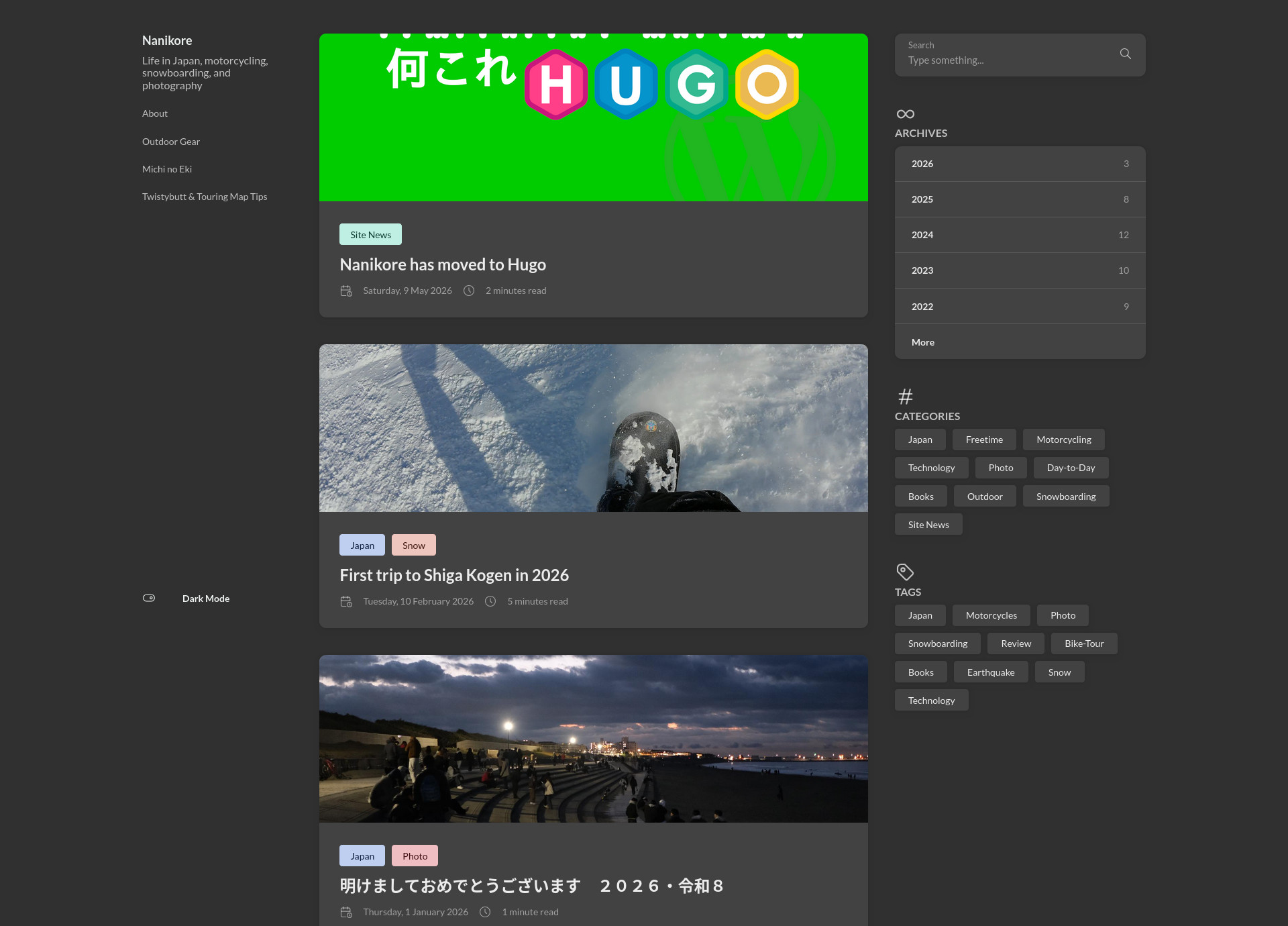
Why Hugo (+ supporting apps)?
I’d been using Hugo for a couple of other sites such as this one for a few years. I liked its active development and ecosystem, and that it’s based around Markdown, just like Obsidian and other tools I use. The other benefit for now and the future is that any AI (local or otherwise) can play with Markdown a lot more easily than they can with WordPress online currently.
All of Hugo is local, so just browsing my pages was simple and backups just slotted into my existing system wide backup system along with SyncThing copies on multiple machines. Sure, it didn’t really have version tracking etc., but I could achieve that with a git setup, and I just don’t need it for what I write right now. Keep it simple.
More and more I began to think that for my level of writing frequency for the blog pointed to needing something simpler and local was the way forward and so at the beginning of 2026 I started seriously looking at finally moving out of WordPress for the first time in over 2 decades.
It’s only when you really start looking at moving out of WordPress that you realize what a good deal WordPress can be sometimes. Comments? Built in. SEO? Kind of built in but with plenty of plug-ins like Yoast. Search? Built in. Page views? Built in (with purchases of more detailed data on the commercial WordPress.com). Photo galleries? Well, sort of built in. You need a plug-in for a decent light-box.
Here’s where I ended up.
Search was an interesting one. As Hugo is a static site generator, the search database or indexes are built after the site, then uploaded with it, and used upon user search requests - quite different from WordPress. Some themes have a basic one built in - PaperMod, which I use on this site has its own, for example. I reviewed a few alternatives given the size of the blog, which is far bigger than brightblack, and went with Pagefind as it seemed to scale with what I have planned.
Comments were another interesting one. I don’t get many, but I wanted something on the page, something fairly open, but not something like Disqus which owns the back end and the free version of which would have people seeing ads etc. despite them logging in. I also didn’t want one I could host myself but I’d forever be tidying up due to spam. Akismet does an amazing job of sorting the disturbing amount of spam the WordPress attracts. After a lot of looking around, I went with Giscus. It’s a commenting system which works with a Github Discussions backend, which is great but it also requires a Github login, which I appreciate may be a deal killer for some. Anyway, I’m giving it a go, and apologies in advance.
Next of the core requirements was the image gallery component. Again, there are many options for Hugo and other static site generators, but I wanted something which could handle a simple gallery and light-box for viewing. After reviewing a few, I went with Photoswipe which has a simple tag system and works well out of the box, but can be customized quite heavily if needed.
As far as themes, I’ve gone with Stack for now. It’s nice and clean and lets people find posts relatively easily. It’s also made it easier to keep my old ‘pages’ accessible on the left hand side, which I like.
Finally, page views. I’ve never really trusted page views for a number of reasons, and I don’t really like the very intrusive trackers some page view systems use so I’ve been trialing GoatCounter, which is basic, but should give me an idea of what people are reading, without them having to configure a bunch of GDPR and privacy things in their browser.
The Migration Plan and Action
First things first: get my posts and media out of WordPress. That’s actually quite simple - WordPress has a standard export tool which dumps an xml file with every post, comment and other detail. It’s great that they provide this openly.
The second part is all the media and other files - those are stored in date folders on my host, so I downloaded all of that.
There’s quite a lot to do from this point to get the xml file into a single post file which Hugo can use, especially if you want to follow the Hugo recommended bundle format, which keeps a post and all its media together in one named folder.
There are actually several really good tools for doing this and the one I chose was called wp2hugo. It has quite a few features, including for media, but mainly I just wanted it to get the xml into files for each post, and put those into the folders for Hugo, which it’s very capable of doing.
After I’d run it (and it took a few minutes) I had a basic Hugo site structure of folders, a basic theme, and posts in their own folders as bundles.
However, the post folders had no dates, so I used Claude Sonnet to get the year and month of the post from the frontmatter of the post and add that to the beginning of the folder name, giving something like ‘2024-04-motorbike-day-out’. There were some errors at this stage, but they were to do with how the export and script had attributed incorrect creation dates. In most cases that seemed to be due to it using a random ’last update’ date setting.
These kinds of things were outliers and occurred I suspect for different reasons, and in a few different places. I think some were on older posts as WordPress had perhaps changed their internal systems of how it recorded dates; I think other sometimes it’s because there’s a lot of excess metadata added into the frontmatter by some plugins. Some of my posts had a lot of information from the Yoast SEO plug-in for example which I removed with another script.
Images
The next opportunity was images and media. Hugo wants this all in the same folder which it calls a bundle, and if the wp2hugo doesn’t do that for you, an LLM like Claude can do it simply based off links in the posts, and names in the media folder structure. However, a couple of caveats here.
For me, my image files were kind of all over the place in a folder structure of yeats - months - day, which you’d have thought would be easy. Some images were not at all in the folders I expected them to be in and I had to go hunting around. I suspect some of this is from when I’ve replaced an image so the new image was put in the folder for the date I uploaded it, not the date of the post. (Also, two images had just disappeared).
Another issues here was that I’d used some images multiple times across different posts. In WordPress of course, it manages the links so you have one image linked to from multiple posts in the database. Hugo can work with this, but for my own simplicity I wanted an image local to each post. It costs some disc space, but keeps it simple.
Comments
For those posts with comments on them, I took the export and appended them to the bottom of the original posts, since I couldn’t migrate them to any new comment system. They are at least preserved with some metadata for posterity.
Links
Next up was something I knew would burn time and was actually an issue I knew was coming - link rot, dead links, whatever we want to call it, and there were a few different forms of these:
- Internal links within the blog which I had broken by implementing Hugo (!),
- Links to external sites which were dead
- Links to sites which were wrong and being re-directed.
Claude did a decent job of identifying quite a lot of these and helped fix them. The difficult one with Claude was the difference between a http error (404 etc.) and pages simply redirecting to the front page or an ‘oops’ page. That also took tme as Claude wanted to be respectful when scraping which is fine. Some of the older links I manually fixed by getting a link from archive.org, which also preserves some of the intent of the link.
One unexpected semi-issue was that some posts from many years ago linked to the Gallery app I used to self host. I’d forgotten I’d used those remote galleries over using WordPress for some reason, so where possible I recreated them in the Hugo bundle for a post, which I consider an unexpected benefit.
After Thoughts
Migrating my blog was a bit like moving apartments - you start looking in all the boxes and reading things and so the amount of time it takes starts increasing. There were lots of posts I’d forgotten about and just sat and read. That’s good and bad - I found some real memories, and therefore also took more time on the project than I’d planned. Either way, it took about 30% more time than I’d budgeted, which was a lazy weekend. I was fine with that. I really enjoyed reading some posts.
I have at least got a better feeling for the integrity of my files too. Let me explain this one. When browsing older posts in WordPress it would sometimes say a block had issues and would I like to recover it? No explanation. It almost always recovered it, but it did make me wonder about WordPress though it’s likely from when they upgraded to the Gutenberg editor and went full ‘block’ management, which wasn’t a bad thing, but that was a weird leftover.
In Closing
- Actually, the migration was nowhere near as bad as I feared, and a lot of that was down to using Claude Code to automate the boring bits - a lot of grepping and regex work which Claude got done much quicker than me fumbling around would have taken.
- Hugo isn’t a one for one swap for WordPress, but it’s a big chunk - you need to research search, image galleries etc..
- It’s nice to have the bundle folders now which should make things smoother in the future and since now the whole site is in Markdown, if I had move to another system, it should be a lot smoother.
- I was able to fix a few nagging things I knew were problems but never got around to.
I actually like the end result in Hugo more than the WordPress version, and I hope others do too.
As always, feedback appreciated.